

Call Recording
Every call recorded. Automatically.
Record calls and meetings on platforms such as Microsoft Teams without pressing a button. Keep every conversation in one secure archive, ready to search, replay and review with AI.
Why businesses choose Argus Archive
Recording must work every time, and capture is only the beginning.
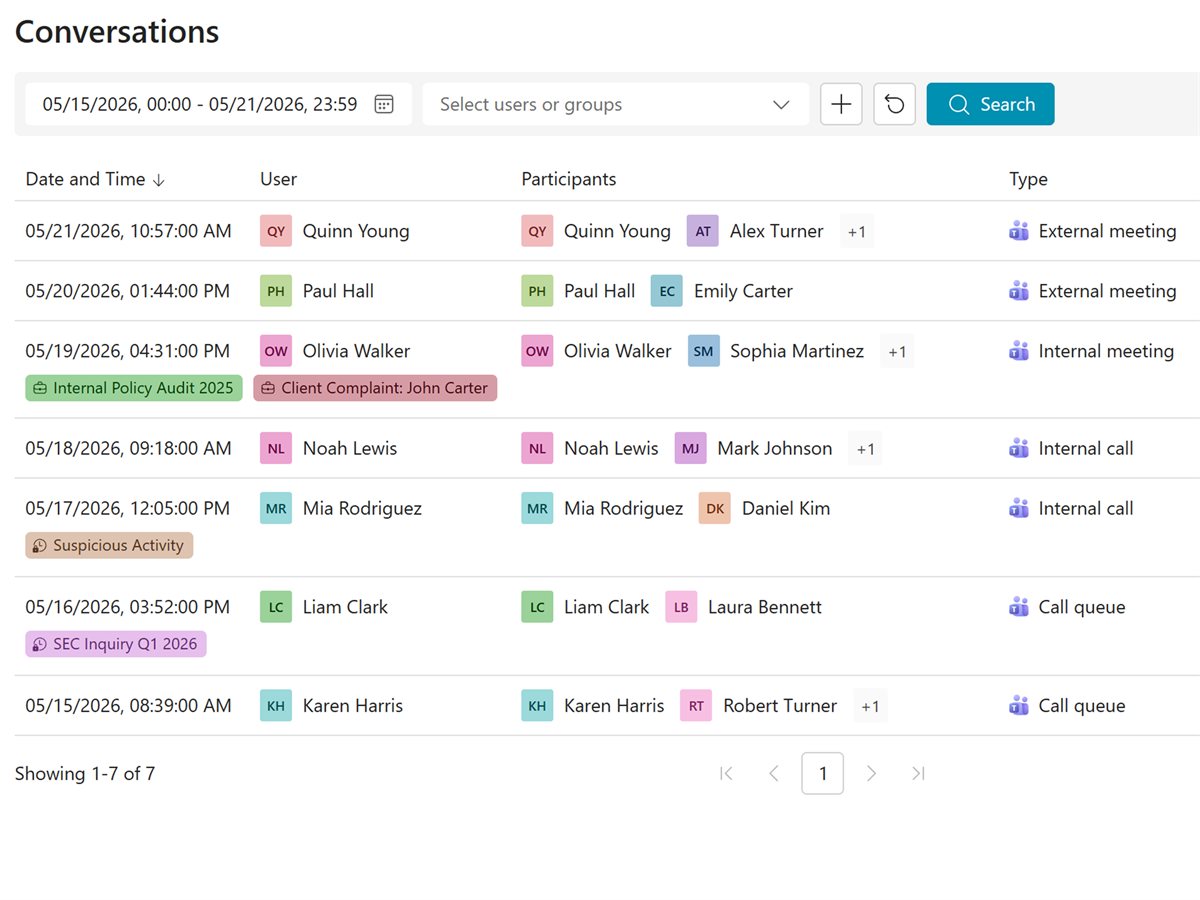
One platform
One platform from recording to investigation: capture, archive, transcription, search, AI analysis, alerts and cases, with no separate tools to join together.
One record per call
The recording, transcript, summary, notes and alerts stay together, kept and deleted by the same retention policy.
Live or archived
Your rules check calls as they happen or after they end, and run against calls already in the archive.
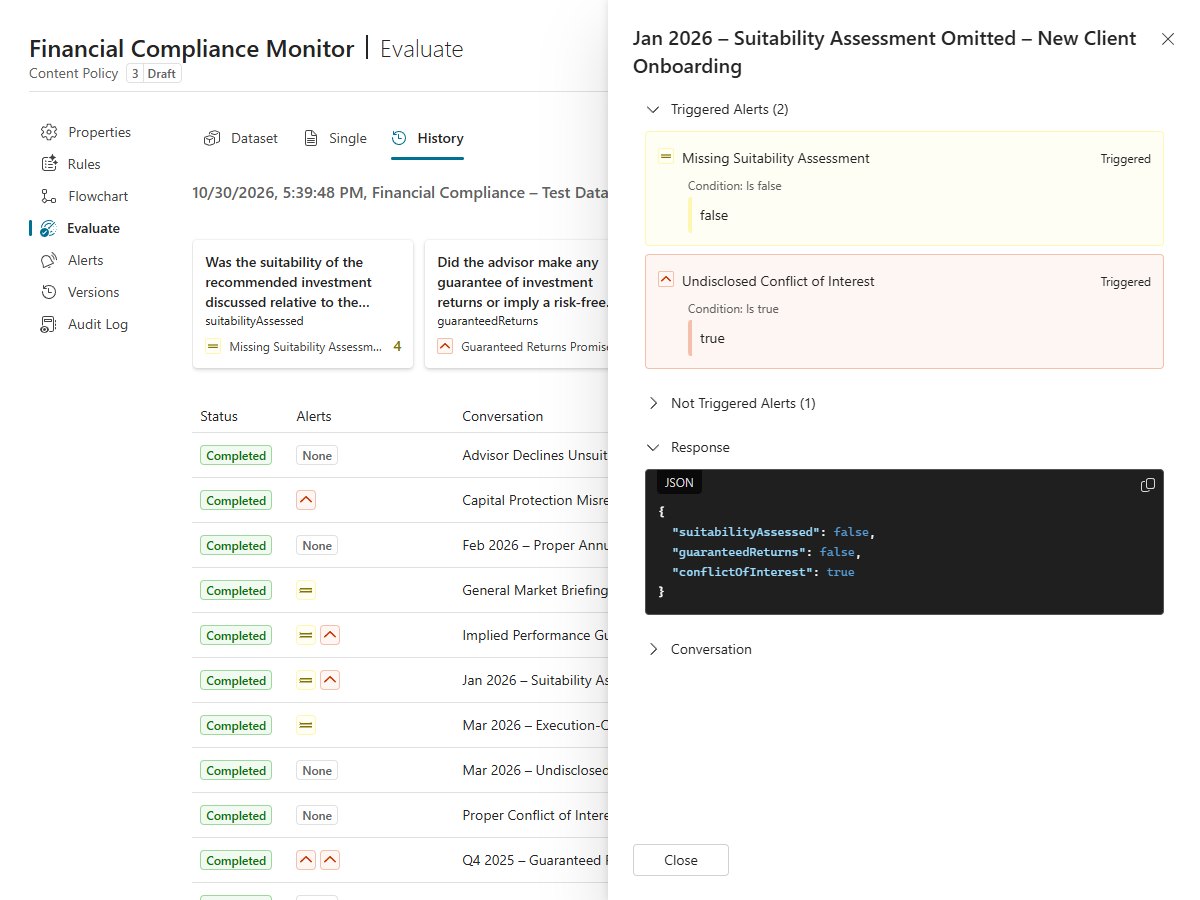
AI you can prove
Move beyond black-box AI supervision. Write rules in plain language, test them before they go live, and see why each alert was raised.
Tested before it goes live
Try every rule change on past calls from your archive, with every version and test run kept on record for your auditors.
Your data stays yours
AI works inside the archive with each person's access, and your data is never used to train AI models.
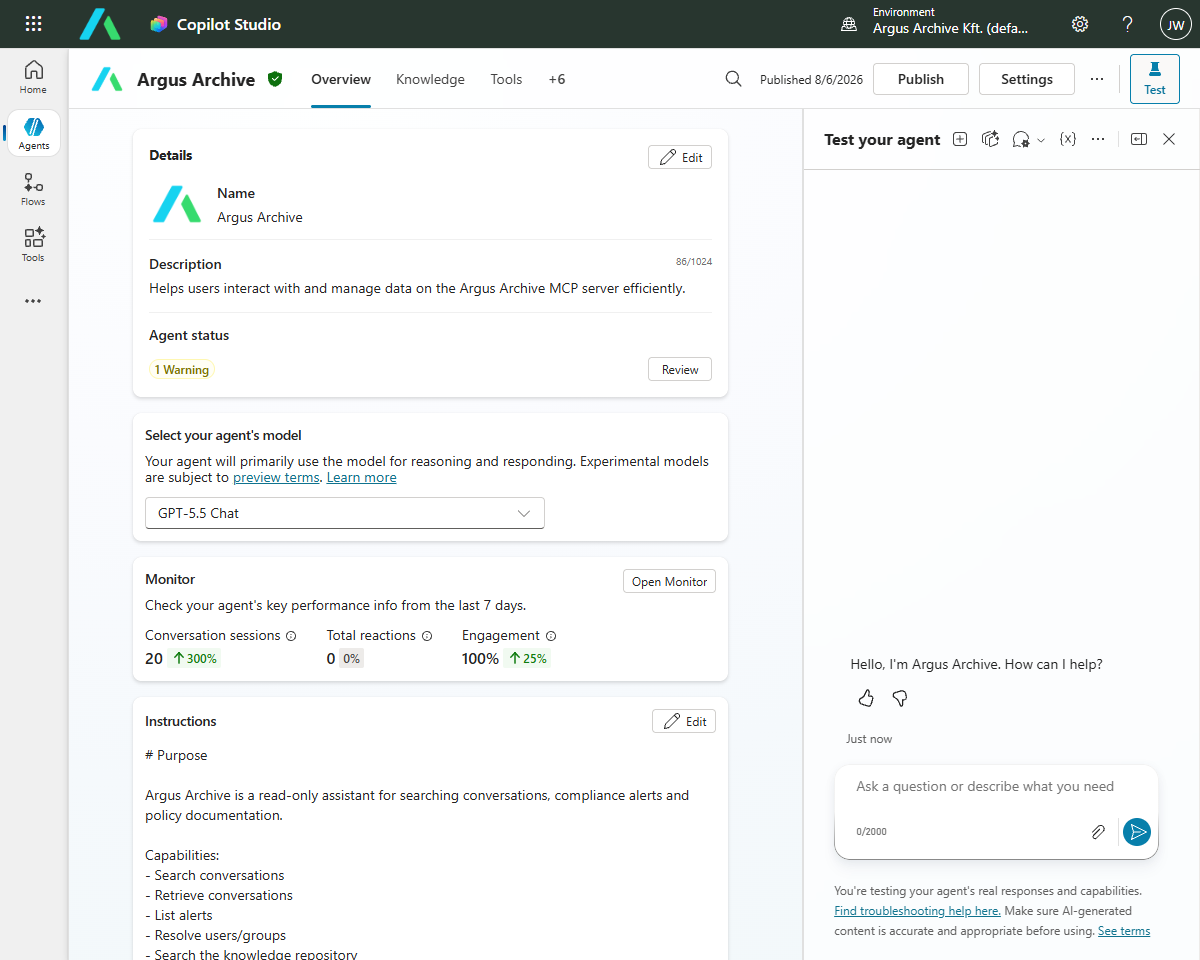
Open by design
Keep control of your data and connect Argus Archive to the rest of your stack, without creating another closed archive.
Your storage or ours
Keep the archive in your own Azure storage, included in every plan, or let Argus host it.
Ready for your AI agents
APIs, exports and an MCP server give your apps and AI agents, such as Microsoft 365 Copilot, controlled access to calls, transcripts and alerts.
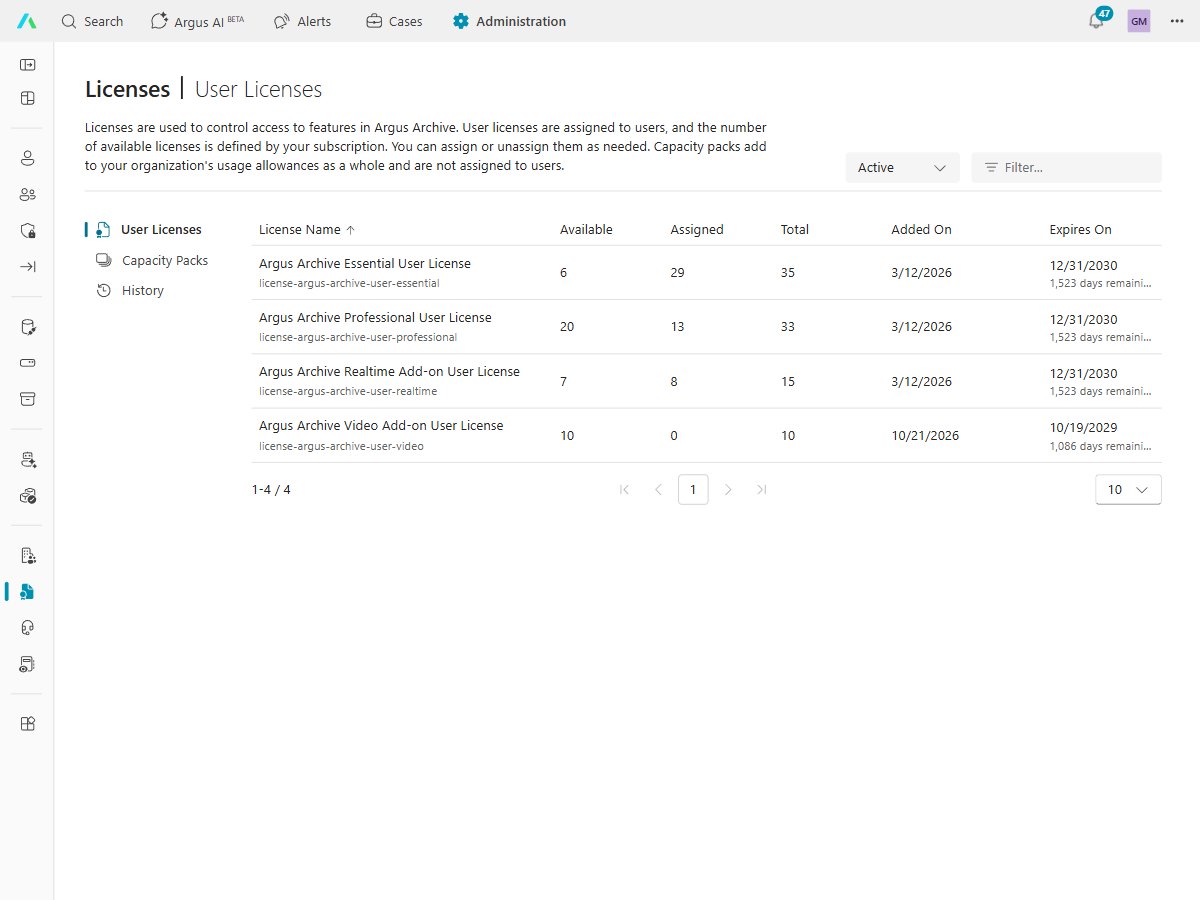
Simple pricing
One price per user, per month, with usage included, so your costs are easy to plan.
No servers to run
Nothing to buy, install, patch or monitor. Argus Archive is a cloud service on Microsoft Azure.
AI in one plan
Transcription, AI search and analysis come with the Professional plan, from usage pooled across your organization. Recording and archiving never stop, even if a pool runs out.
Quick to set up
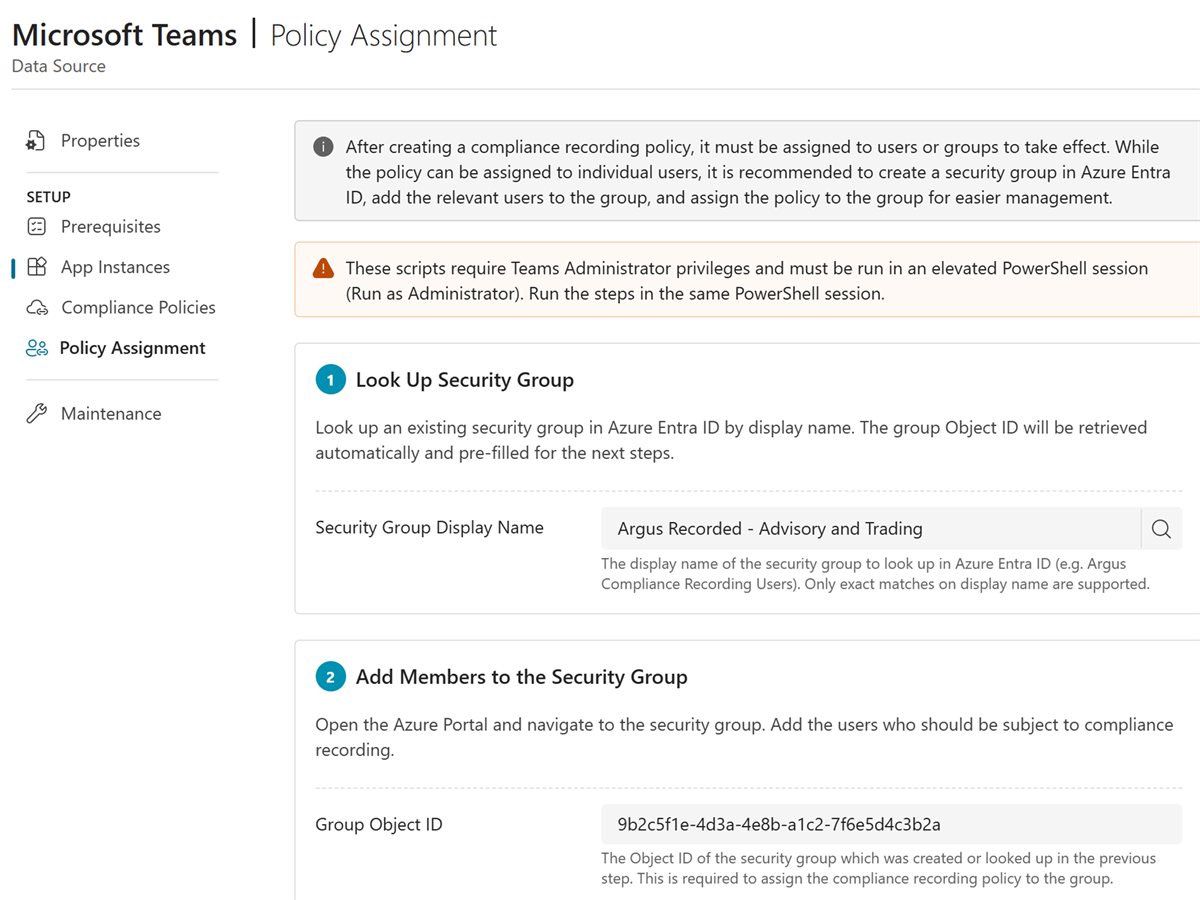
Your IT admin signs in with their Microsoft work account and Argus guides each step of connecting your communication platform, such as Microsoft Teams.
Nothing to install
No servers or software to set up, no visible bots, and nothing for people to press.
You choose who is recorded
Turn recording on for the users and groups you pick, and choose for each type of call whether audio, video and screen share are kept.
Why businesses record their calls
A recording settles what was said. These are the most common reasons to keep one.
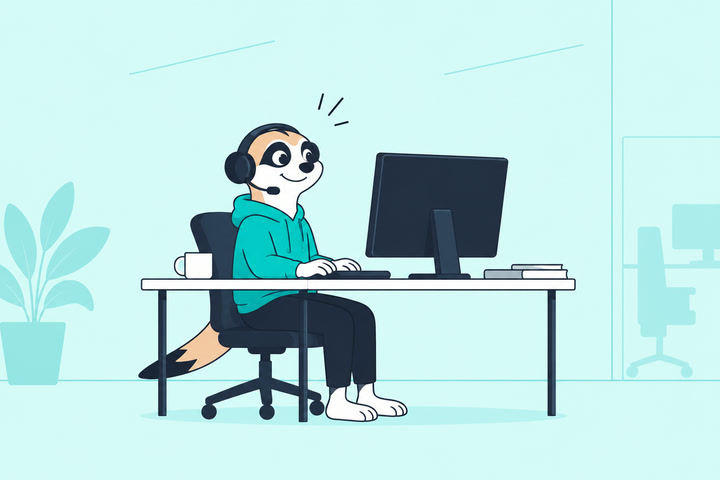
Customer service quality
Hear how calls really go, spot where customers struggle, and get to the bottom of complaints.
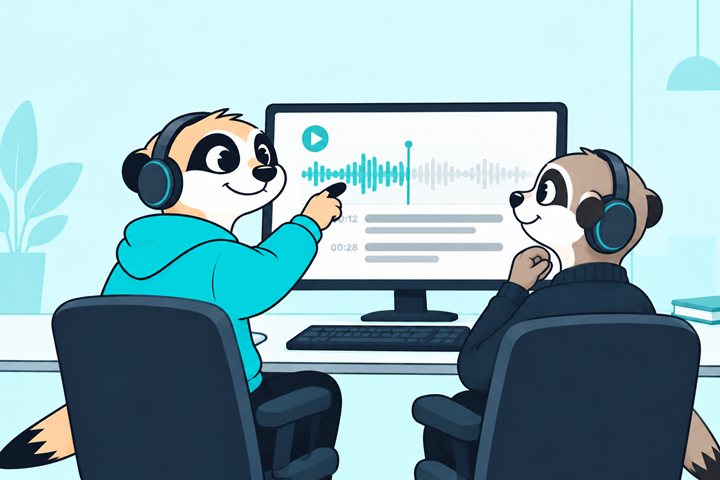
Training and coaching
Use real calls to show new starters what good looks like, and give feedback on the moments that matter.
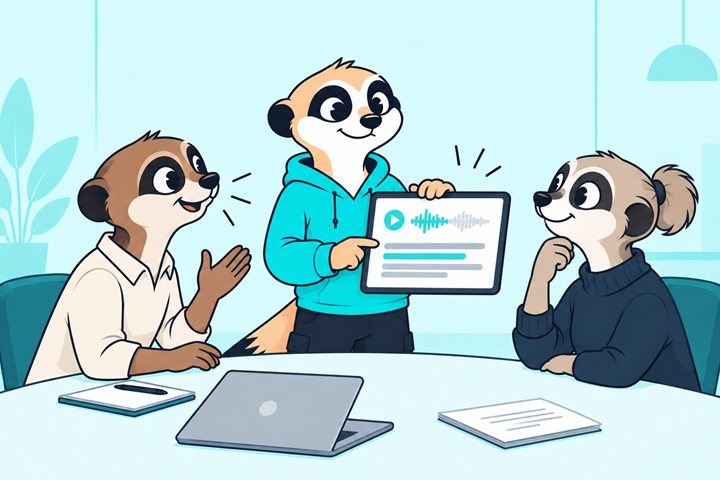
Settling disputes
Go back to what was agreed, word for word, instead of relying on memory.

Sales and advice records
Keep a clear record of what was offered and recommended to every customer.
Regulated firm? We help with MiFID II, FCA and SEC recordkeeping.
What gets recorded
The calls you choose are recorded automatically, with no button to press and no servers to install.
Phone calls
Inbound and outbound phone calls, such as Teams Phone with Calling Plan, Operator Connect or Direct Routing.
Internal calls
One-to-one and group calls between colleagues, including calls that grow into a group.
Meetings
Scheduled and ad hoc meetings, for every recorded person who joins.
Call queues
Calls to your call queues, recorded for the queue, the agent who answers, or both.
Video and screen share
Cameras and shared screens, kept with the call audio. Available as an add-on.
Call details
Who took part, when, for how long, which direction, and when the call was on hold.
Works with the platforms you use. Microsoft Teams today, with Cisco Unified CM, SIPREC and SIP in preview, and Zoom and Cisco Webex coming soon.
See your calls in Argus Archive
Replay, search and understand every recorded conversation from one archive.
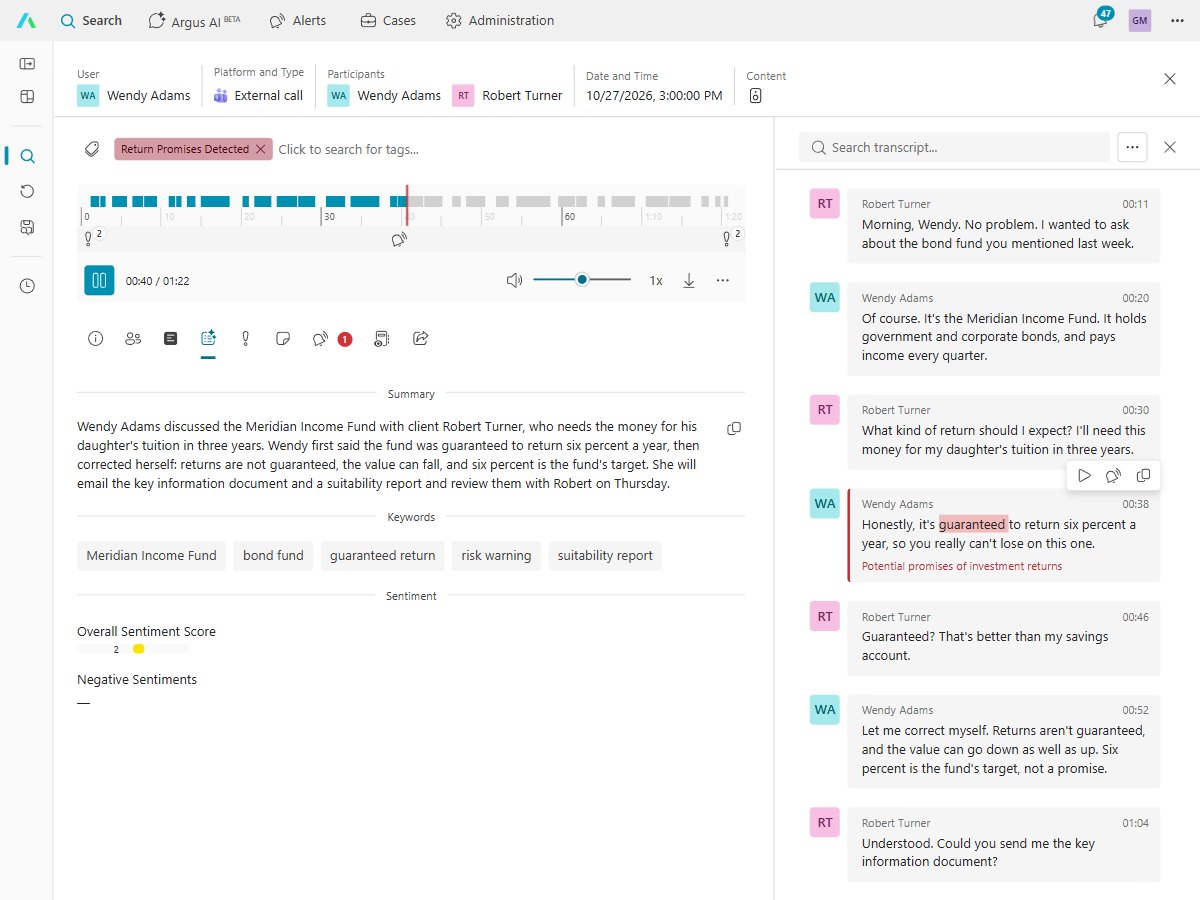
Replay with the transcript
Play any call with its transcript beside it, in 75+ languages. Click a line to jump straight to that moment.
- Read the transcript in your own language
- Notes, tags and an AI summary on any call
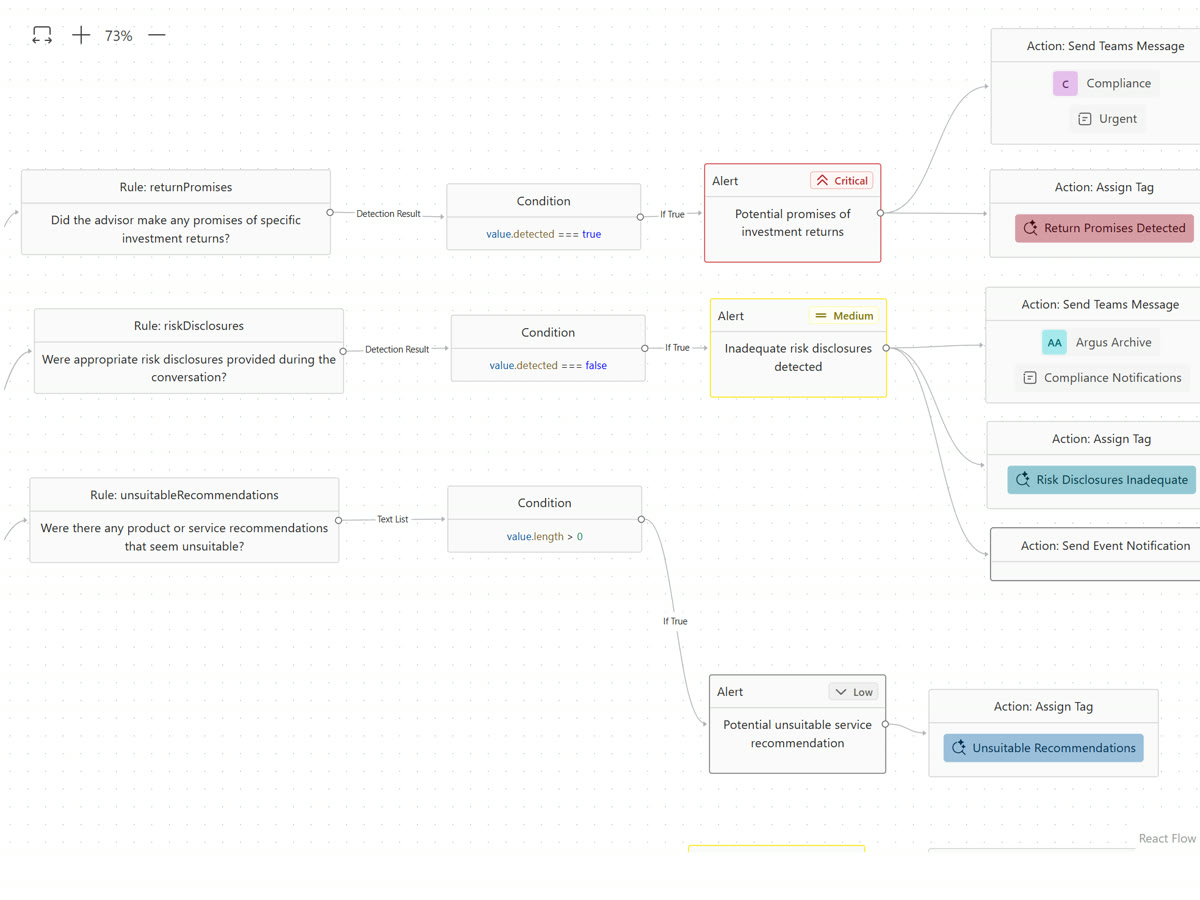
Set your own rules
Write rules as simple questions, such as "Did we confirm the customer's order?". Argus checks calls against them while they happen or after they end.
- Alerts sent to the right person, such as in Teams
- Calls tagged automatically
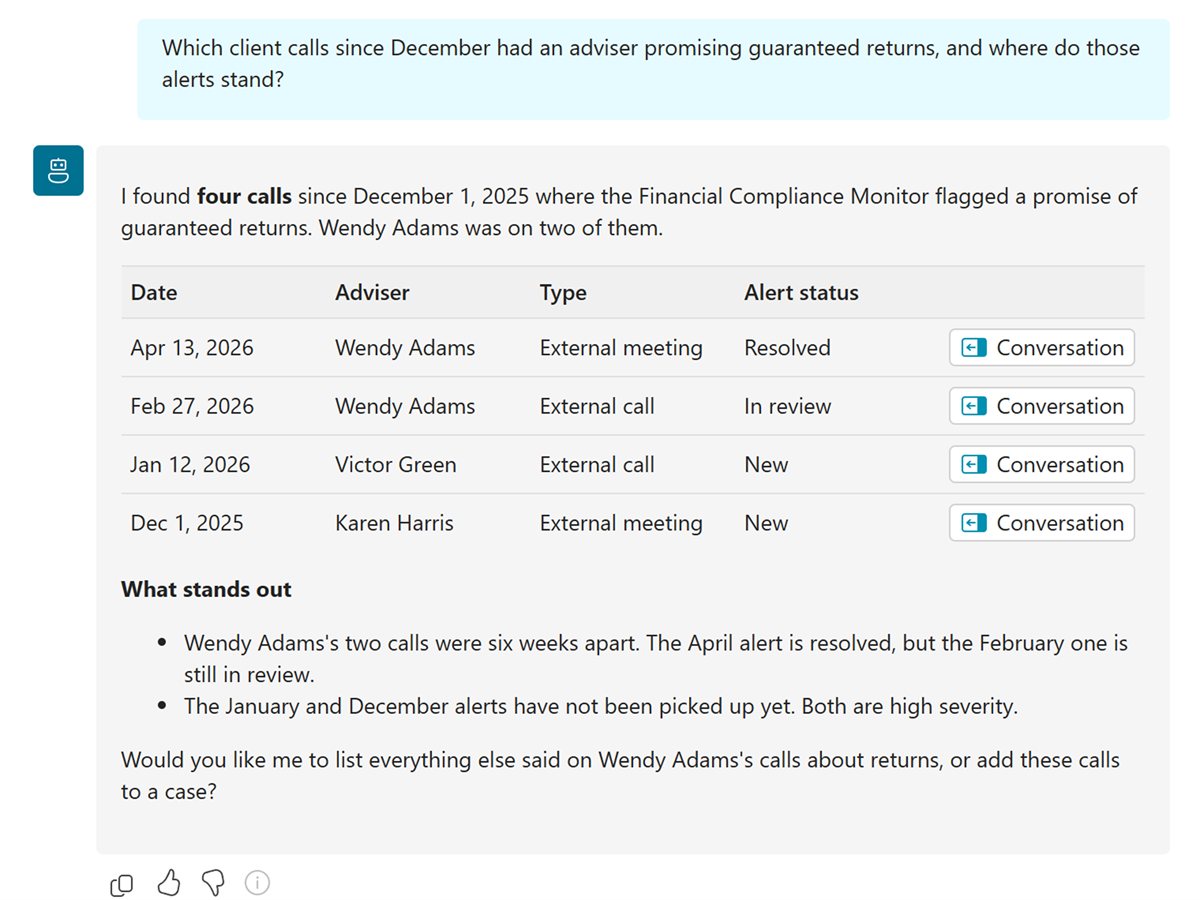
Ask questions in plain language
Ask Argus AI what was agreed, who raised an issue, or which calls mention a product. Every answer links to the calls behind it.
- Or search by date, person, tag or what was said
- Every answer traced to its source
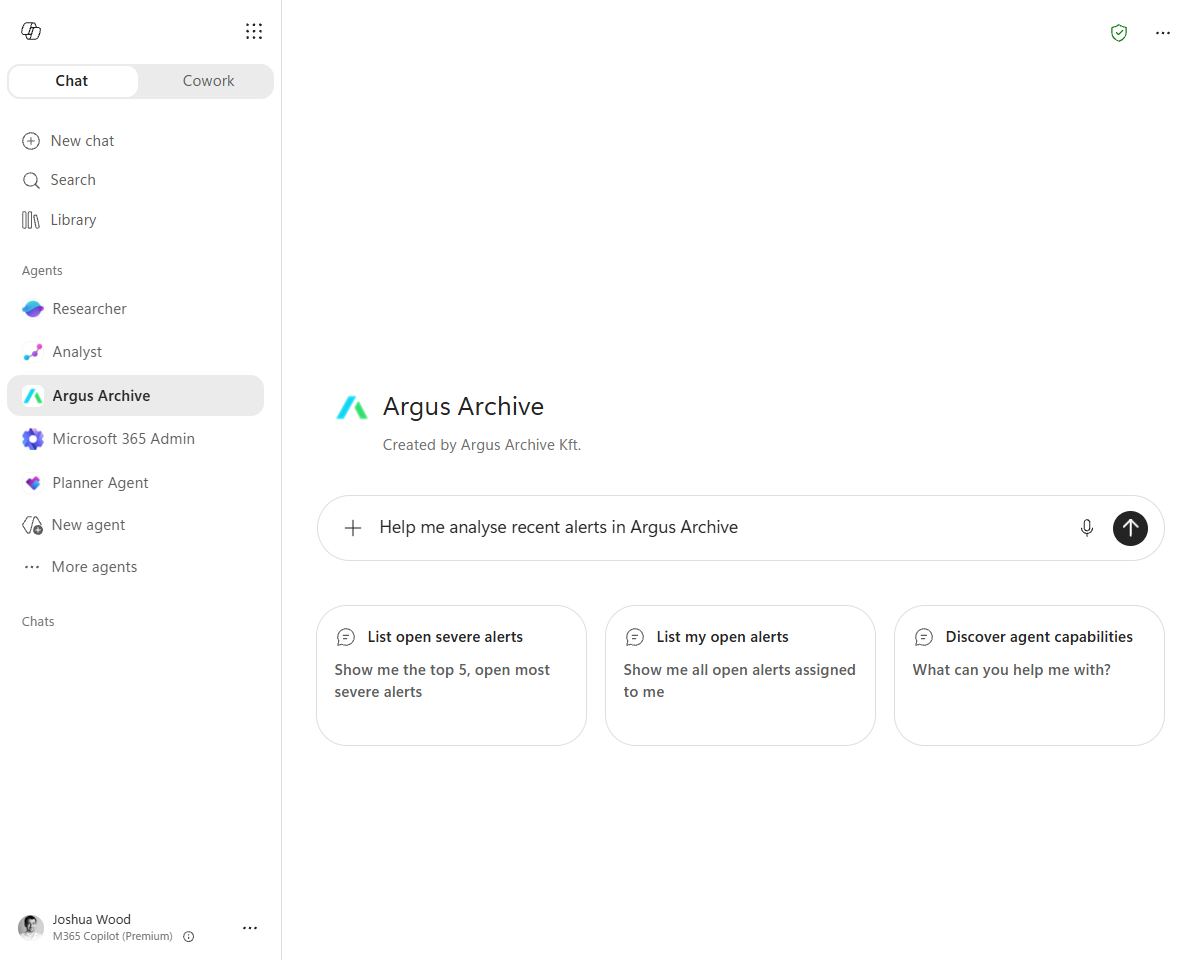
Work from Microsoft 365 Copilot
The Argus Archive agent brings your calls into Copilot, so people can ask about them without leaving Microsoft 365.
- Answers where people already work
- Access follows your Argus permissions


Do people know they are being recorded?
Yes. Everyone on a recorded call or meeting is told it is being recorded, such as by the Microsoft Teams recording notice, and users cannot turn that off.
Which calls can be recorded?
Calls and meetings on supported platforms. On Microsoft Teams, that means Teams Phone calls with Calling Plan, Operator Connect or Direct Routing, calls to Teams call queues, internal one-to-one and group calls, and meetings. Video and screen share are available as an add-on.
Can we record only some people or some calls?
Yes. You choose which users and groups are recorded, and rules decide which kinds of call are kept, such as external calls only.
How are recordings protected?
Recordings are encrypted in transit and at rest. Role-based access means people see only the calls they are allowed to, and an audit log records who viewed or changed a recording.
Where are recordings kept, and for how long?
Recordings are kept in the Argus Archive cloud on Microsoft Azure. You set how long to keep them, up to 10 years, and they are deleted automatically when that time ends. Legal hold stops a recording being deleted during a dispute or investigation.
How long does setup take?
There are no servers to install. Your IT admin signs in with their Microsoft work account, and Argus guides them through connecting your communication platform, such as turning on Microsoft Teams compliance recording.
Is it legal to record calls?
It depends on where you and the people you call are. Many laws require you to tell people, and platforms such as Microsoft Teams do that with their recording notice. Check with your own legal advisers.
How much does it cost?
Argus Archive is priced per user, per month, with usage included, and you're warned before you go over.
Enterprise-grade security and controls
Encrypted
Encrypted in transit and at rest, with recordings protected by a per-customer key stored in Azure Key Vault by default.
Data isolation
Strict data segregation: each customer's data is held in its own database and storage container, never shared or mixed with another customer's.
Entra ID authentication
Authentication with Microsoft Entra ID, so your MFA and Conditional Access policies apply.
Audit trail
A clear chain of custody for every record, from capture to deletion.
Retention policies
Keep recordings for up to 10 years, then delete them automatically.
Responsible AI
Your data is never used to train AI, with no emotion or voice recognition.
See your calls recorded, searchable and secure
Built by the people who created market-leading compliance recording and archiving products. Talk to us to see recording, search and AI review, or to ask about a trial.