


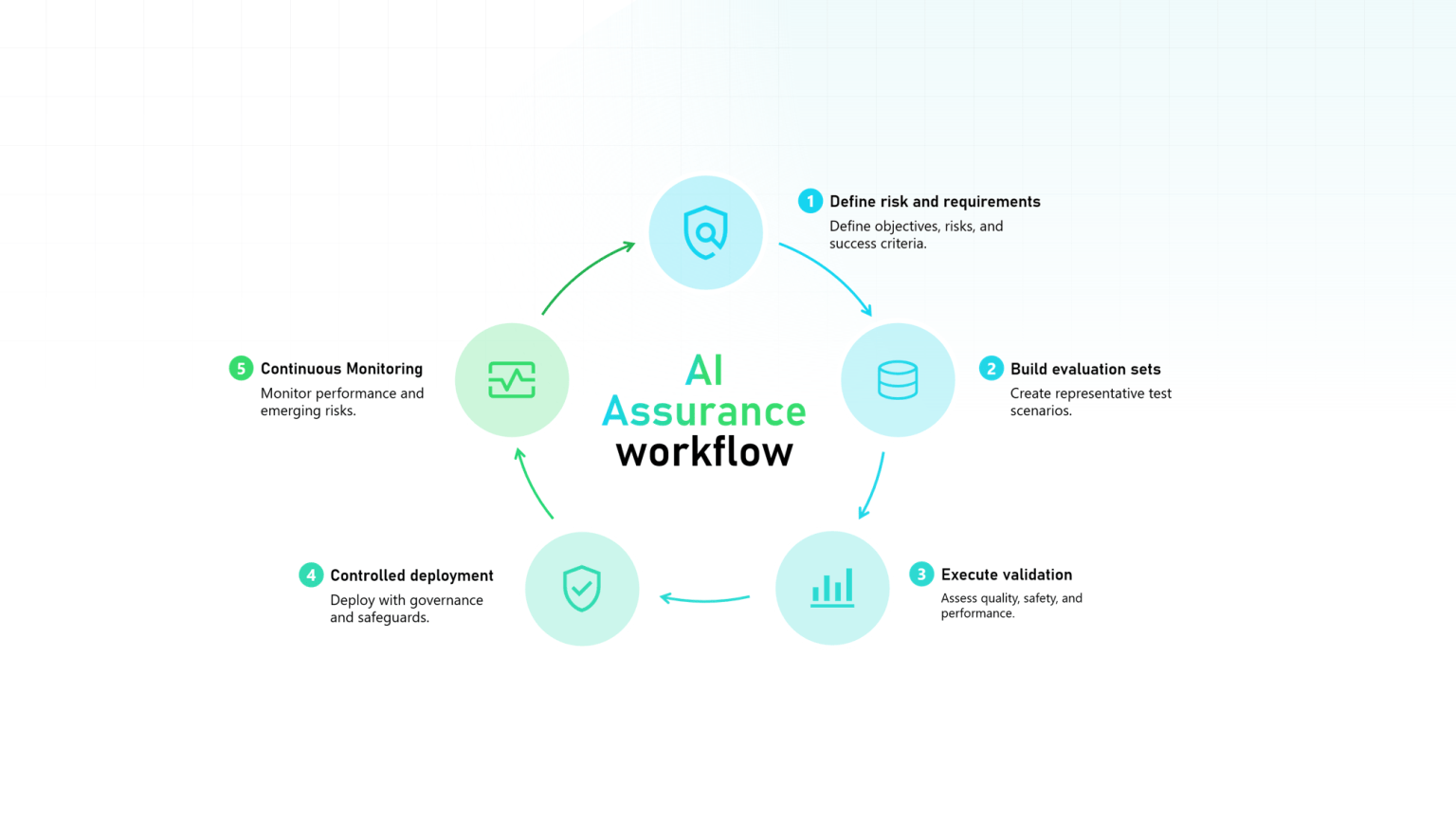
Compliance & Governance
AI Assurance Explained
Learn what AI assurance is, how evaluation sets provide evidence that AI systems are working as intended, and why they're essential for AI governance, testing, and audit readiness.


AI Workflows
Describe your business and what to check in plain language. Argus Archive reviews every call against it, after the call or live with the Real-time add-on, and sends each alert to the right person in Microsoft Teams.
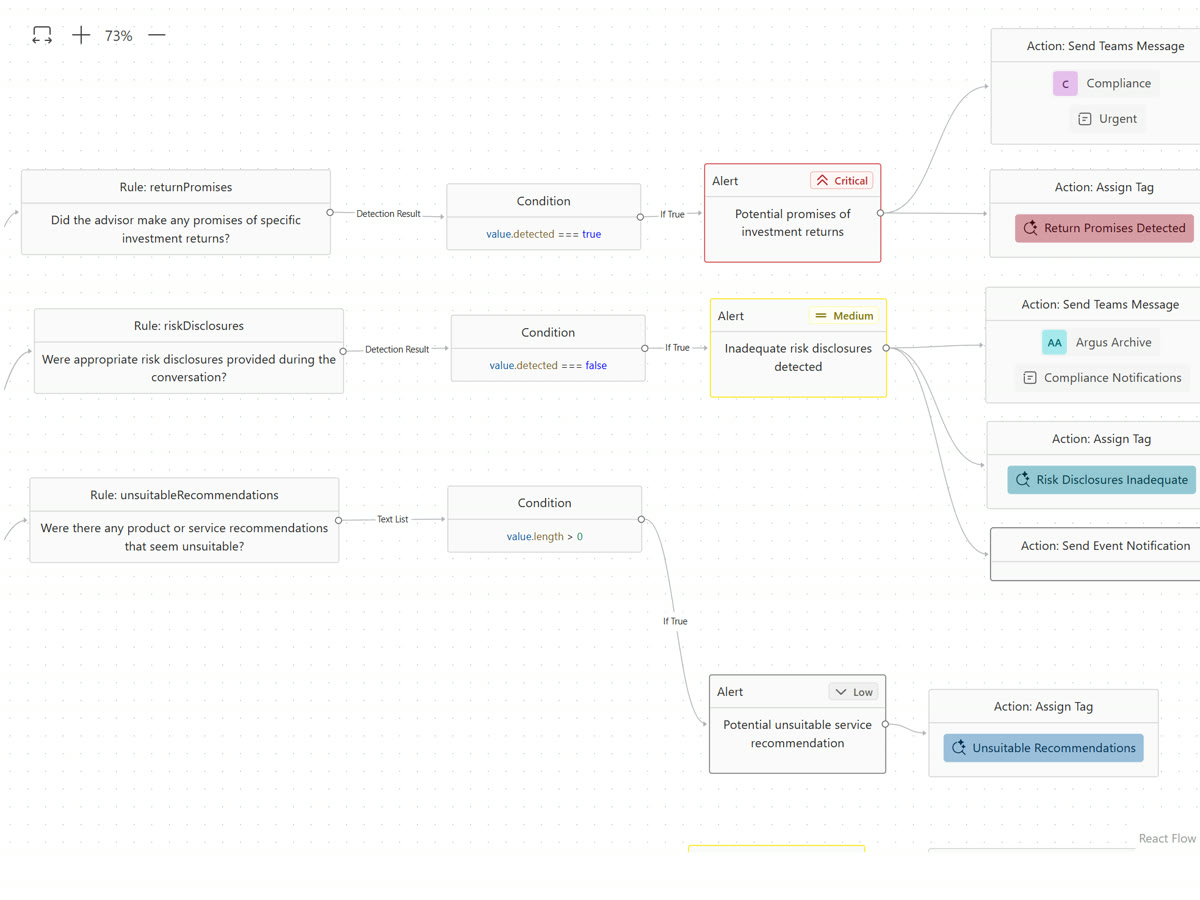
Four steps in one editor, with no code at any point.
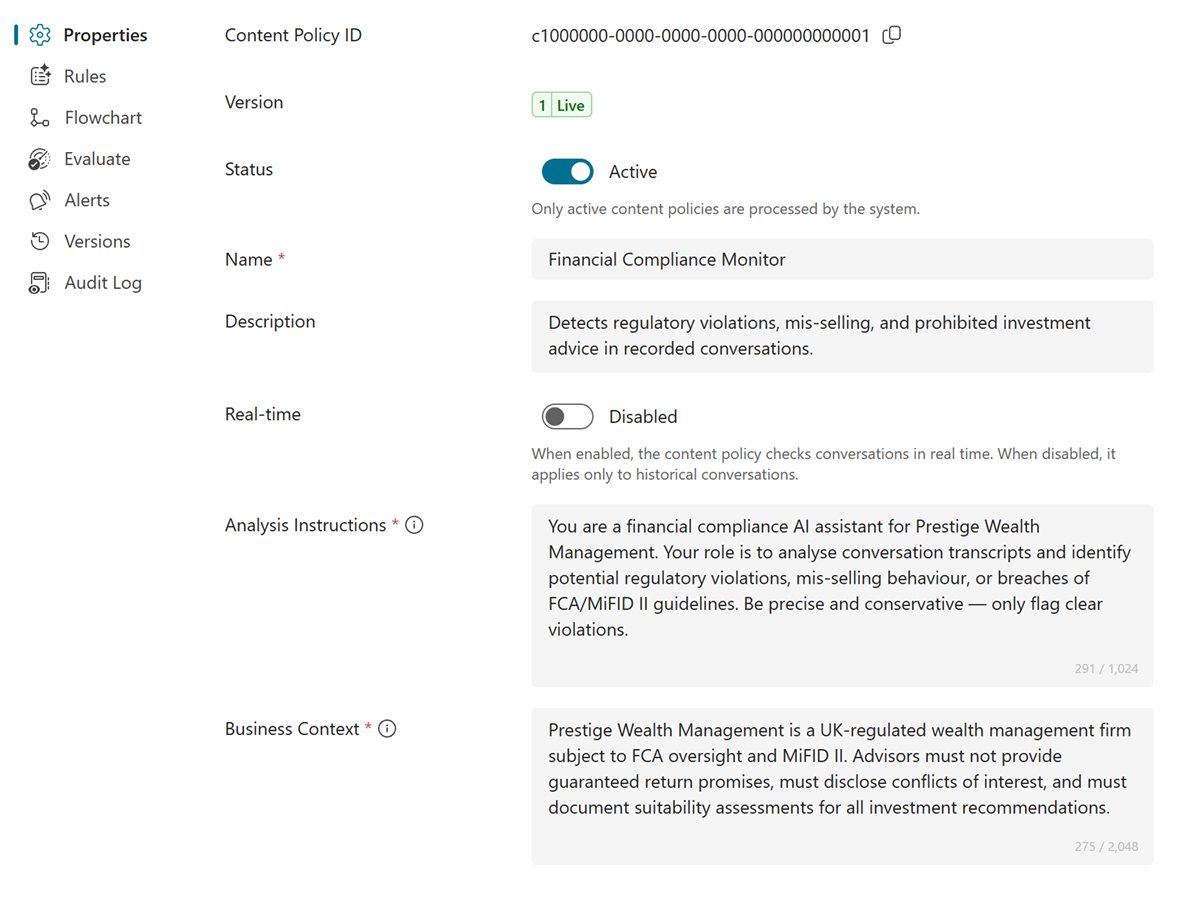
Add your products, your terms and the standards your reviewers apply. Every rule in the policy uses it.
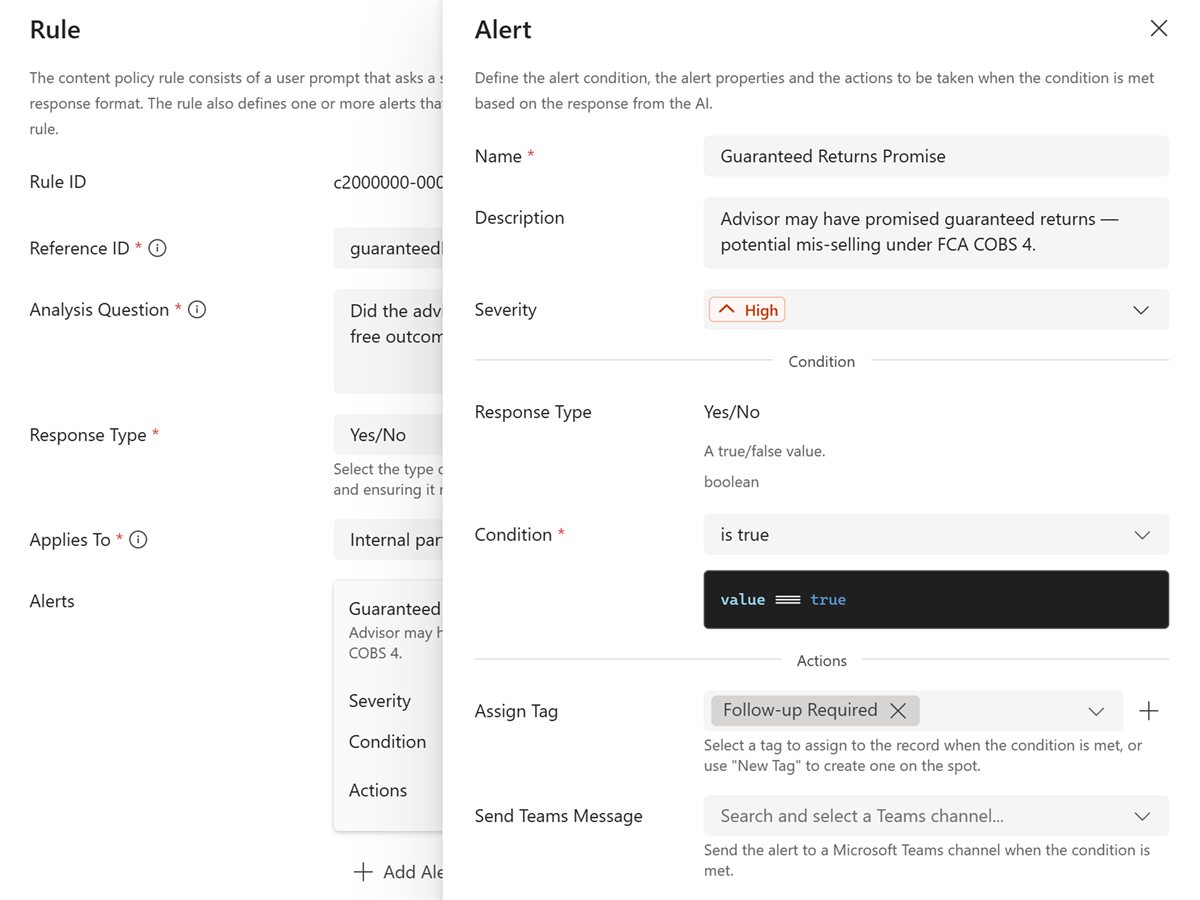
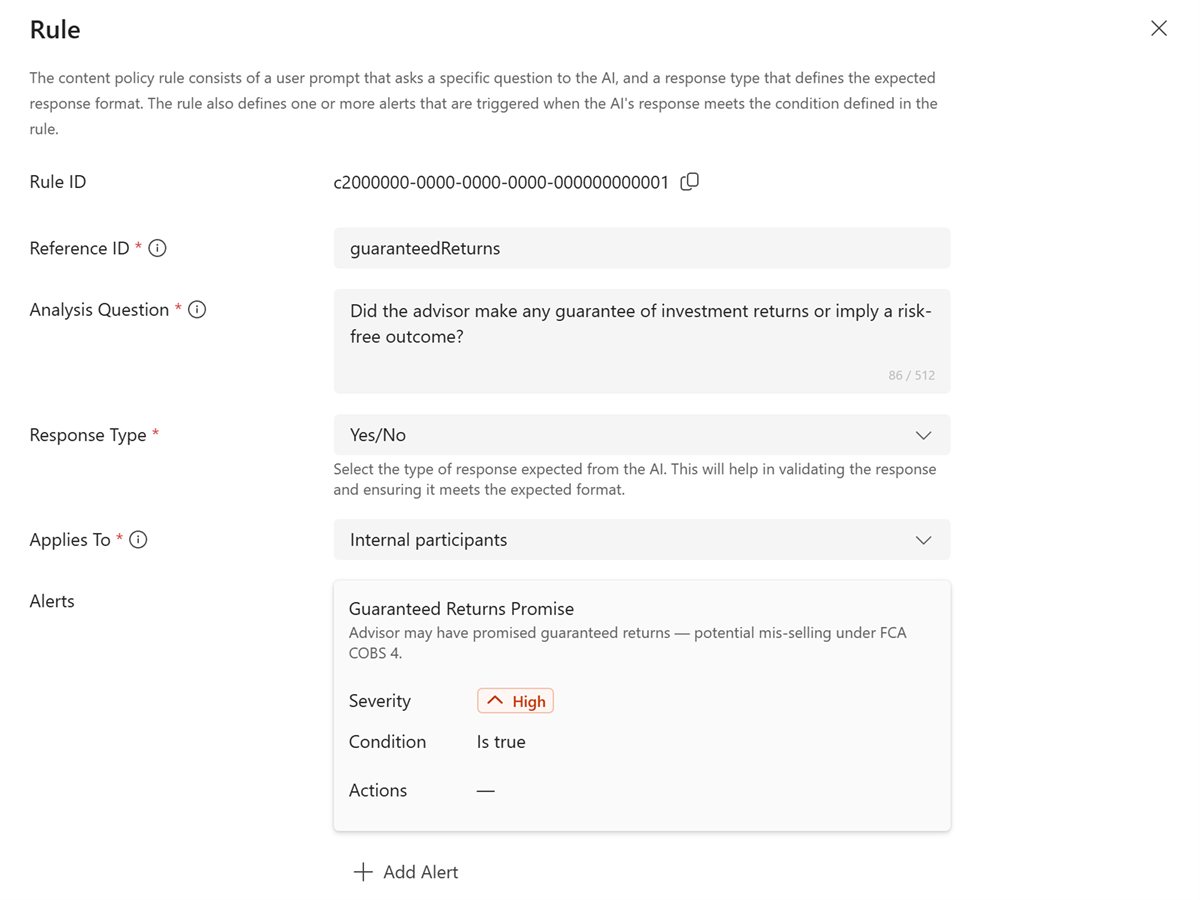
Each rule is one question about the call, such as "Did the adviser read the risk warning?" The answer can be yes or no, a number, a list, or the exact quotes found.
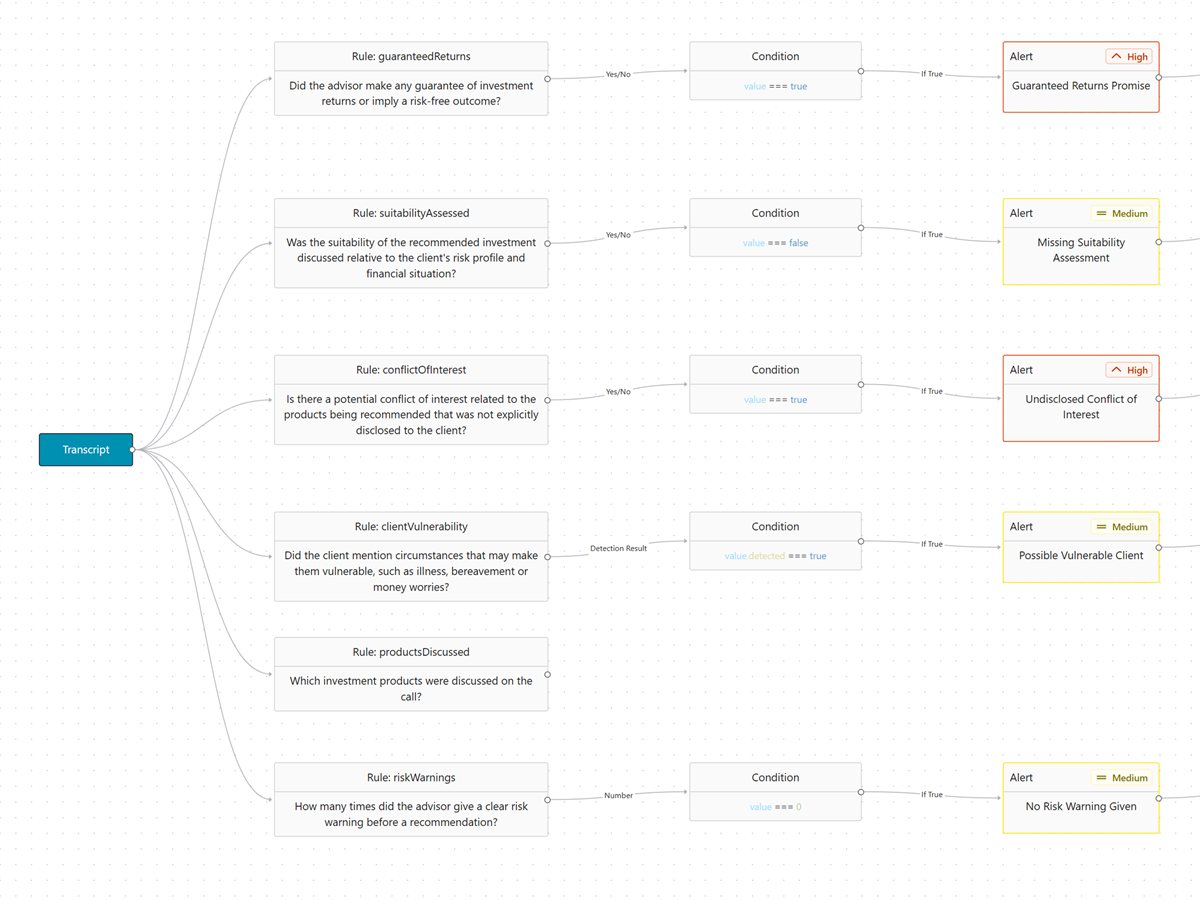
Pick when an alert is raised from simple menus, how serious it is, and what follows: a tag, a message to a Teams channel or an event to your own systems.
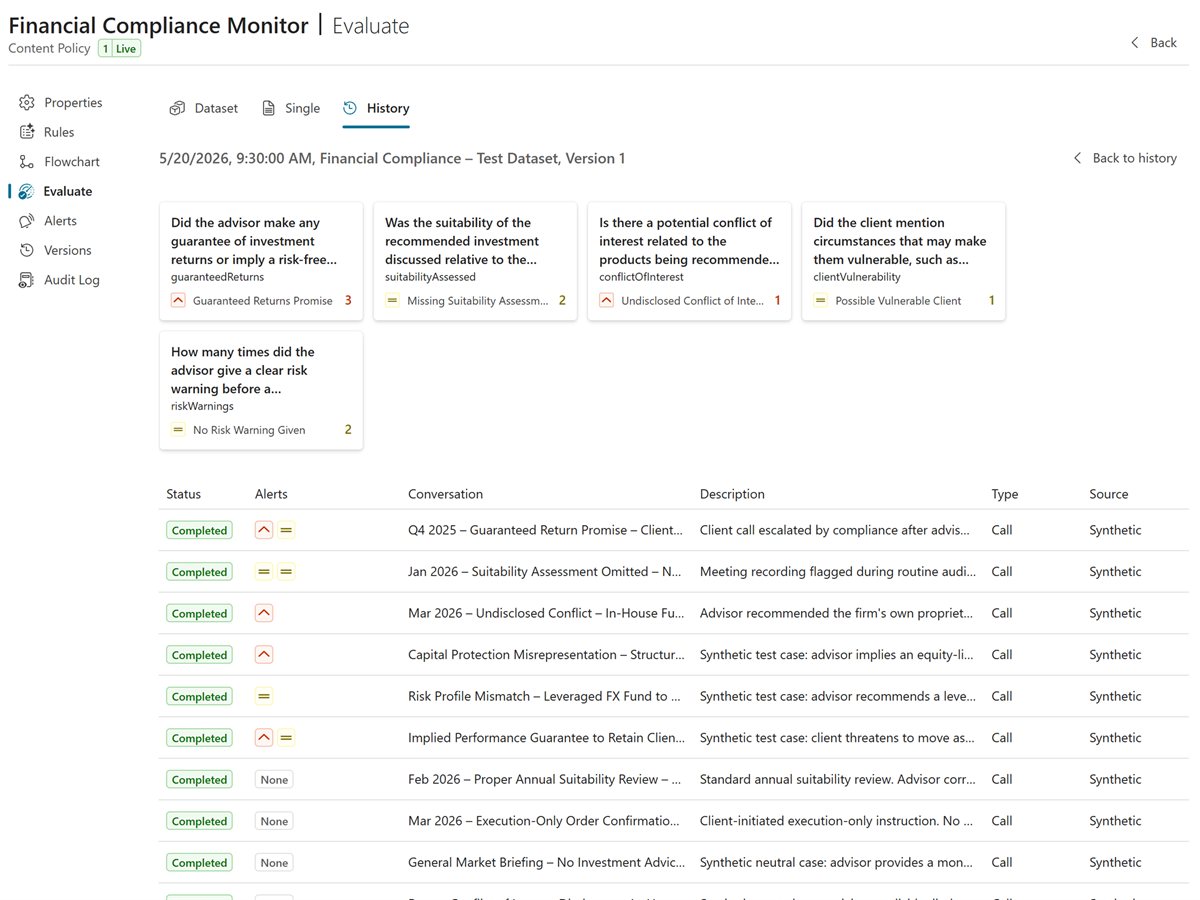
Try the policy on past calls or on test conversations the AI drafts for you, check each answer, then publish it.
Each alert has an owner, and every decision on it is recorded with a reason, so you can show how it was handled.
The same editor serves compliance and customer service. Common first policies:
Required warnings and disclosures given before the customer agrees.
Pressure selling, promised returns or risks played down.
Asking to carry on by mobile or a messaging app.
Customers who ask for a manager or say they will complain.
Greeting, identity checks and next steps agreed on each call.
Matching calls filed into an open case by their alerts.
Describe your business and your review standards once, then add each rule as a question in plain language. Define Rule with AI writes a rule from a short description. Alert conditions are chosen from menus, so there is no code.
Test it on a sample transcript, on past calls or on test conversations the AI drafts, and check each answer. Publish only when you are happy. Every change is saved as a version with a note, and AI Assurance keeps the testing on record.
You choose for each policy. After the call is included; live checks need the Real-time add-on.
Argus Archive raises an alert at the severity you set. It can also tag the call, post the alert to a Microsoft Teams channel and file the call into an open case. Sending an event to your own systems through the API is coming soon.
The alert shows the rule, the AI's answer and the exact words from the call, with the recording and transcript one click away.
Only people whose role allows it. Publishing makes a new version live, and earlier versions stay on record.
How AI review works, how it is tested, and what it changes for compliance.
Compliance & Governance
Learn what AI assurance is, how evaluation sets provide evidence that AI systems are working as intended, and why they're essential for AI governance, testing, and audit readiness.

Technology & Innovation
Learn how real-time AI transcription and analytics improve compliance monitoring, detect risks early, and strengthen communications surveillance.
Technology & Innovation
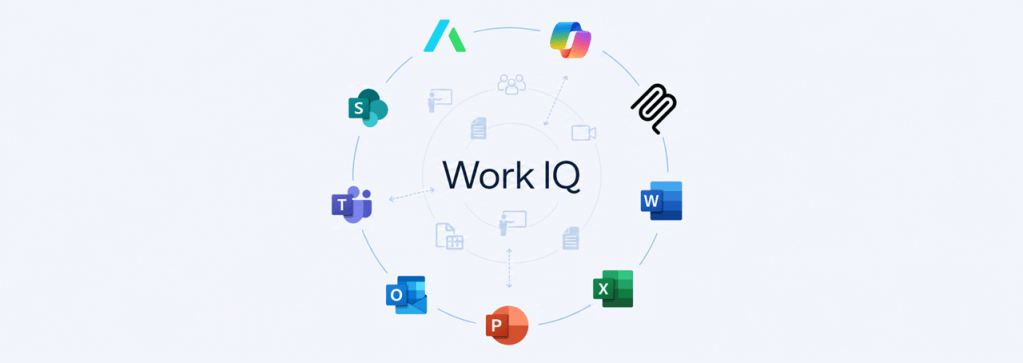
Discover how Argus Archive extends Microsoft 365 Copilot with governed communications intelligence for compliance, surveillance and investigation workflows.
Ready when you are
Book a demo with the team who built it. We will show you capture, search and review on Microsoft Teams, and answer your compliance questions.